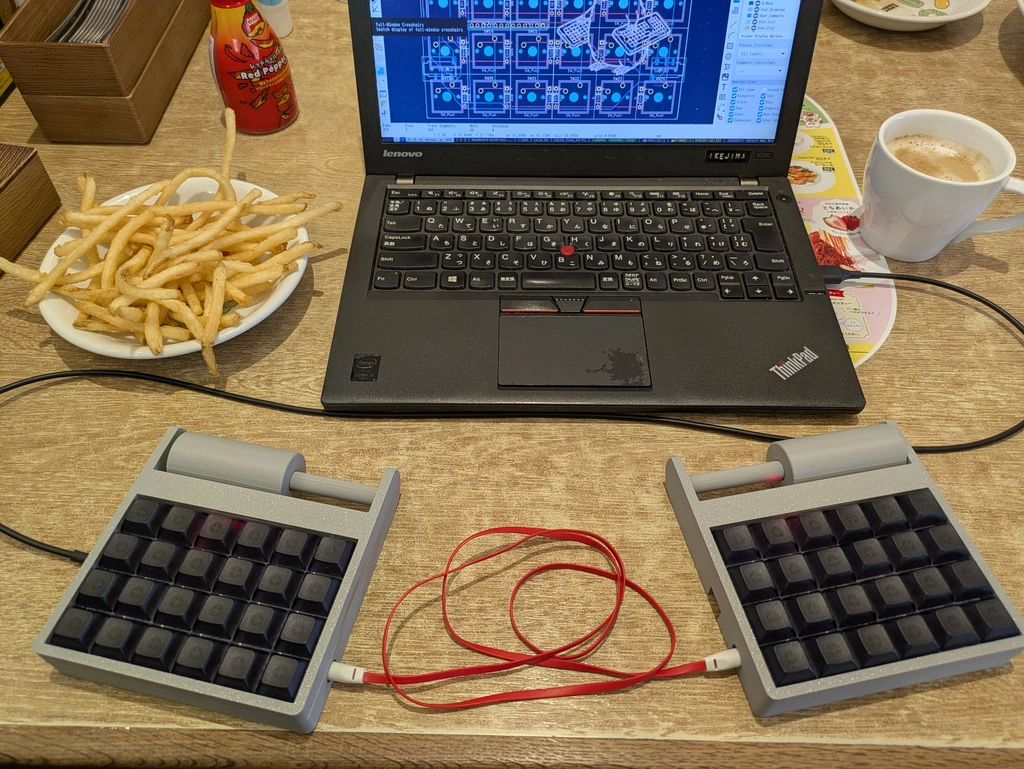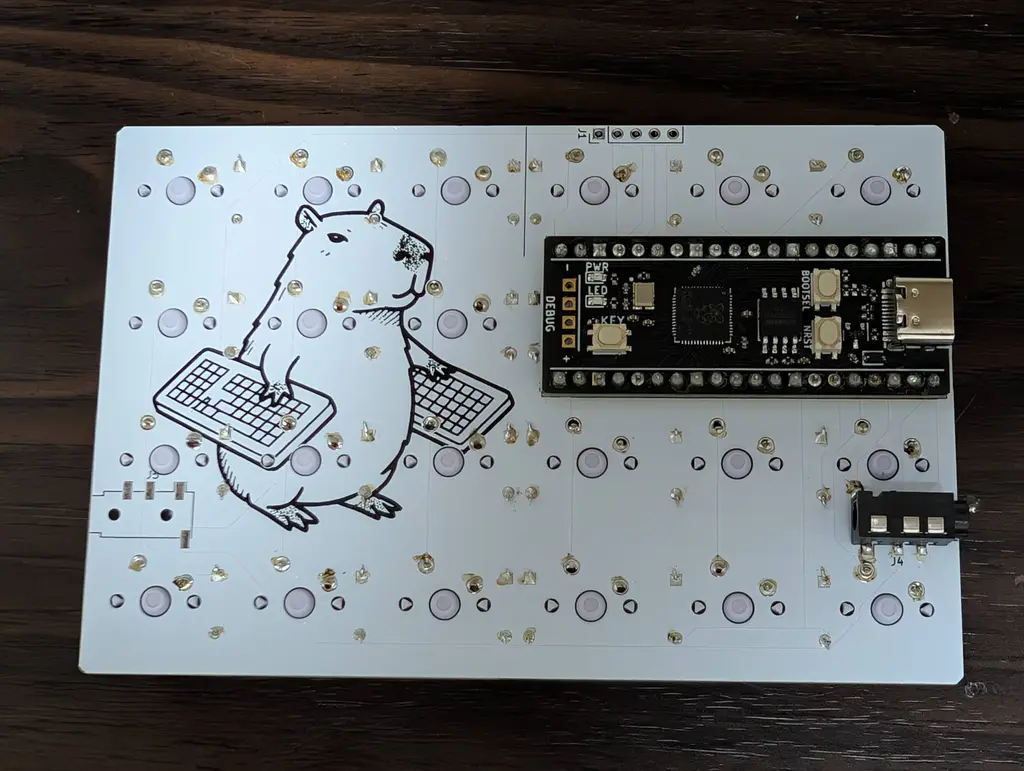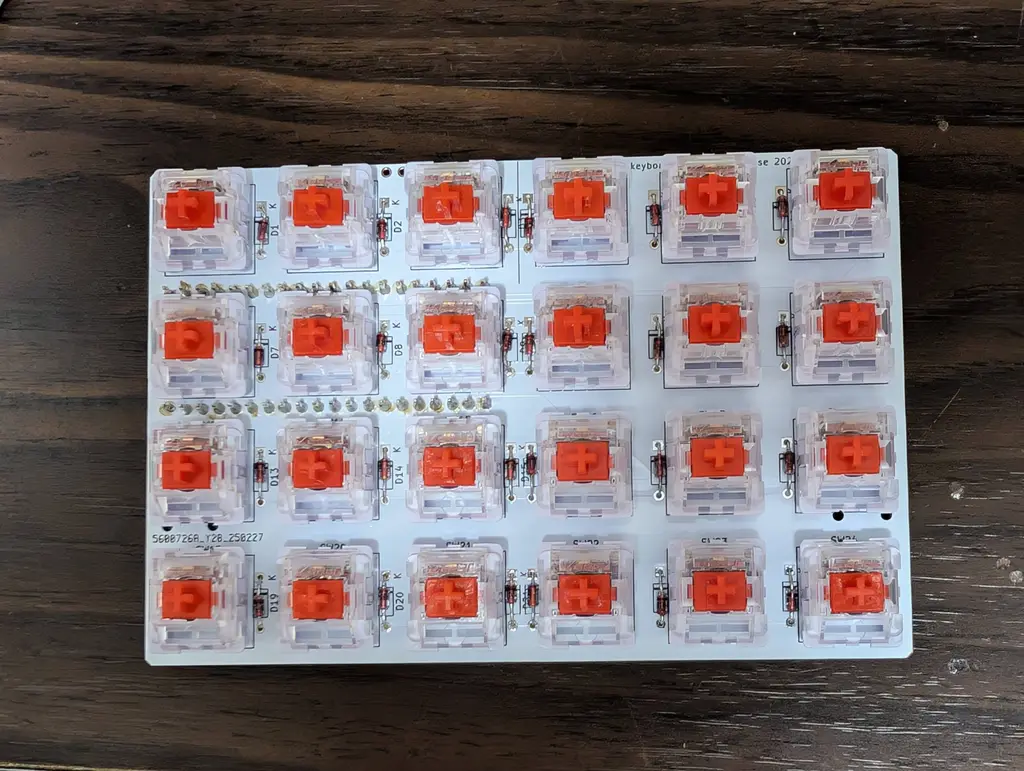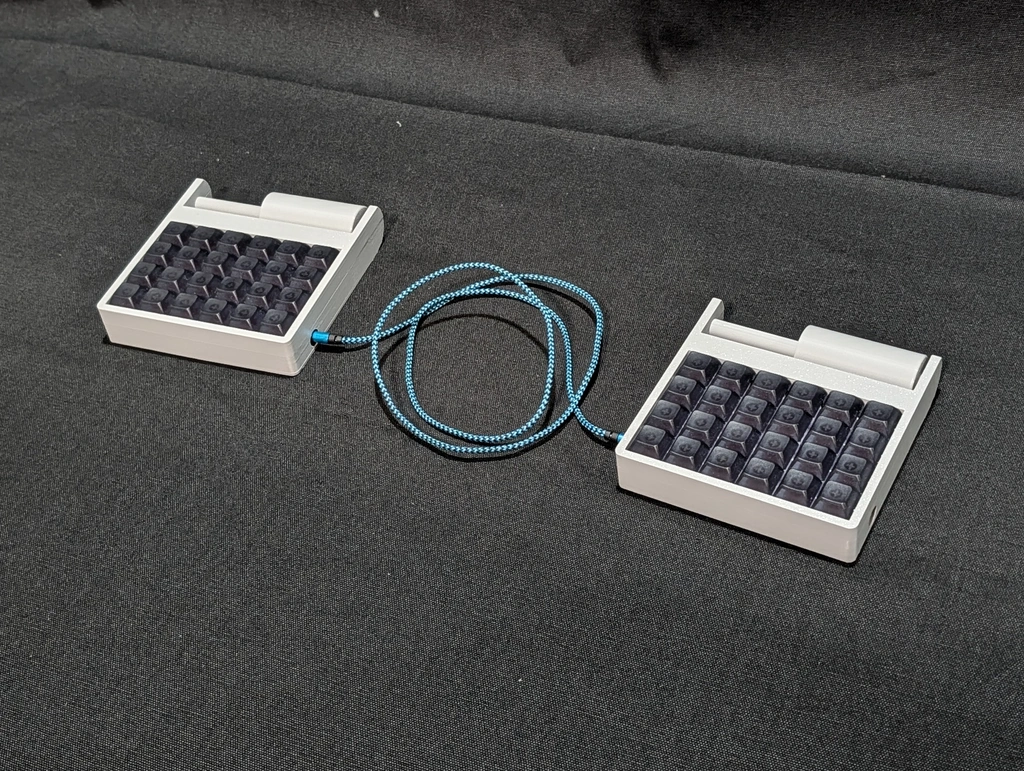
I made a keyboard with a pointing device called a roller mouse. ローラーマウスというポインティングデバイスが付いてるキーボードを作った。
I mainly use a trackball, but some people say that it is difficult to move long distances and that fine operations are difficult. This is due to the common cause of a narrow range of motion.
Trackpads solve this problem to some extent by increasing the area, but on the other hand, the mounting area becomes large and it is not compact.
What solves this problem to some extent is what is called a roller mouse (bar mouse).
You can move the cursor by moving the slider left and right and rolling it up and down.
It is long horizontally, but short vertically, so the area is small.
There are commercial products available, and people who use them say they are good, but the problem with them is that they do not support split keyboards.
In the split keyboard community, some people place two units on the left and right, but it is too large for one hand.
Therefore, I made my own version with one roller placed on each hand.
Also, a normal roller mouse is placed in front, but with a 40% keyboard, placing it in the back reduces finger movement and it seems that the keys can be used instead of clicking, so I decided to place it in the back.

I used it for a while, but in a triple display environment with three screens arranged horizontally, the horizontal resolution was not enough.
I think this method is suitable for laptops, etc., so I would like to try it again when I build a cyberdeck.
メインにトラックボールを使っているが、 長距離の移動が難しい、とか、 細かい操作が難しいという意見がある。 これは可動範囲が狭いという共通の原因から来ている。
トラックパットは面積を広くする事で、この問題をある程度解決しているが、 一方で実装面積が広くなってしまい、コンパクトにならない。
この問題をある程度解決しているのが、 ローラーマウス(バーマウス)と呼ばれるものだ。
左右には移動子を移動させ、 上下にはころがす事でカーソルを移動できる。
横に長いが、縦に短かい事によって面積は狭く済ましている。
市販品もあり、使ってる人は良いというが、 これの問題は、分割キーボードに対応していない事だ。
分割キーボード界隈では、2台左右に置く人もいるが、 片手としては大きすぎる。
そこで、片手に1つづつローラーを配置したものを自作した。
また、普通のローラーマウスは手前に置くが、 40%キーボードでは、奥に置く方が指の移動が少なくなり、かつキーをクリック代わりに使えそう、という事で、 奥に置く事にした。
しばらく使ってみたが、 横に3画面を並べたトリプルディスプレイ環境では、 横の解像度が足りなかった。
ノートPCなどでは、向いている方式だと思うので、 サイバーデックを作る時などにまた試してみたい。